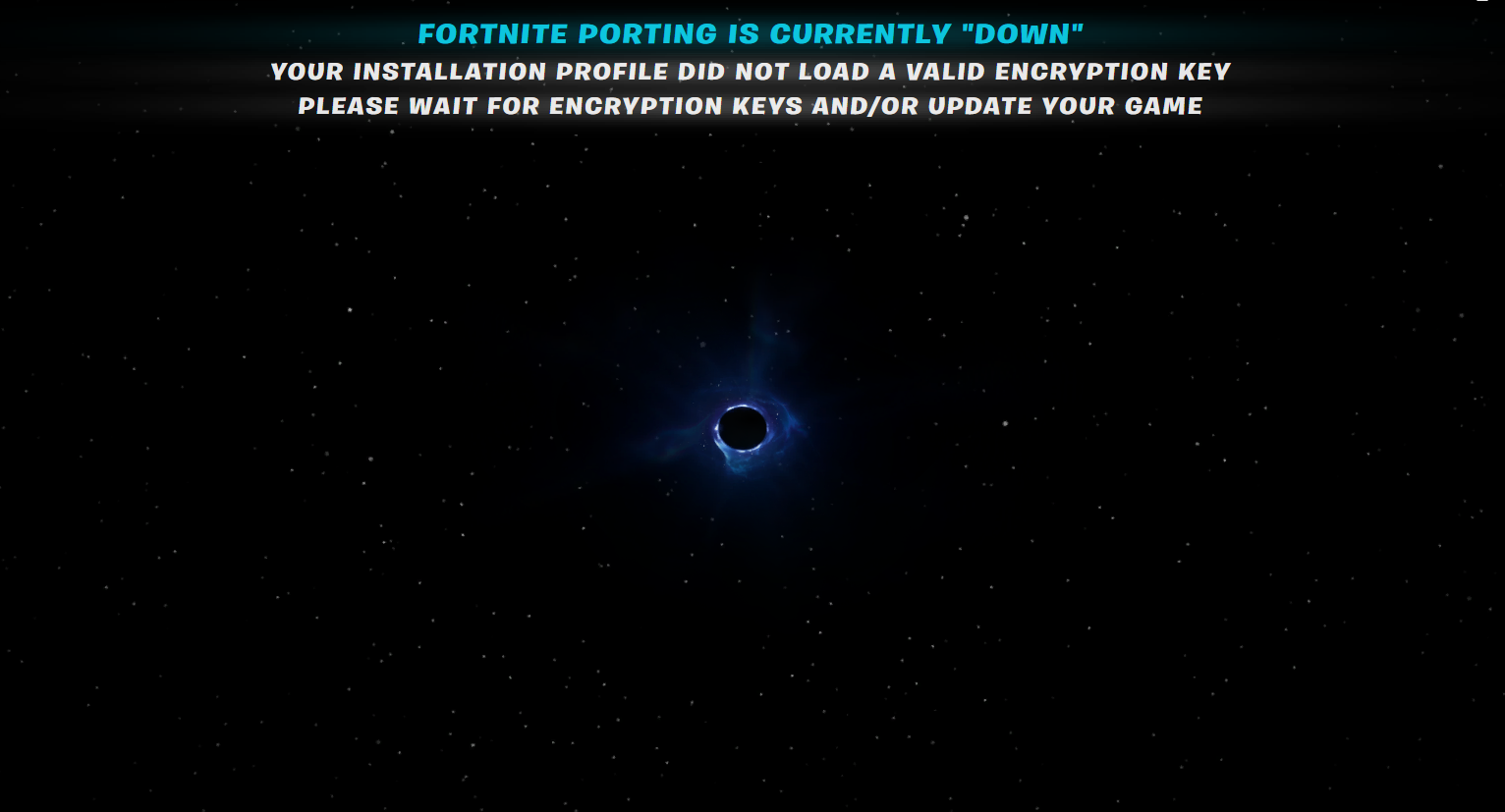
Black Hole Screen
- Make sure your Fortnite Porting is updated to latest release
- Make sure your Fortnite Version is up to date.
- If you are on the most recent update of Fortnite, verify your files in the Epic Games Launcher.
- Increase your
Request Timeout Lengthoption in Fortnite Porting's settings to a larger value, like240 seconds. - If a new Fortnite update was released recently, Mappings and AES Keys may not be available yet, please be patient.
Warning
These fixes are not guaranteed to stop the black hole screen from appearing. If you continue to have issues, please make a post in the #app-support channel in the Discord Server